Save references.
Write prompts.
Scopeful Copilot reads your reference boards to write tool-aware prompts for any AI creative tool.
Right-click any image in the browser to save it, or drop files straight onto a board.
A board holds the references on its canvas, plus the brief and the documents the work depends on.
It reads the brief and the references, and phrases the prompt for the tool you name.
Use your own provider key and the result lands beside the references that shaped it.



sculptural bone-ceramic vessel on a travertine ledge, hard overhead noon light, one crisp diagonal shadow across a chalk wall, matte mineral grain, a single small safety-orange detail, 50mm --ar 4:3 --style raw
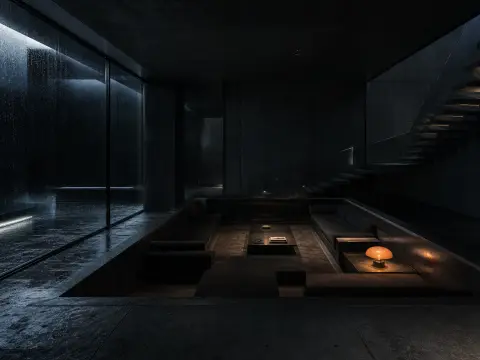
An agent that knows
your whole board
Keep a brief, its references, and the docs that matter on one board. Copilot reads the whole thing as context, so the prompt it writes already knows the job.
Write a brief and add files to a board, and Copilot reads them when you ask from that board's chat. Attach a reference image and it sees the image itself.
Ask for a Kling video and Copilot writes a Kling prompt. Ask for Seedance and it writes a Seedance prompt. The tool-specific phrasing, negative prompts, and parameter ranges come baked in.
The output is plain text, ready to drop into Krea, Runway, Magnific, Midjourney, or any other tool. No markdown, no wrapper, no sign-up wall.

Sock Co. Spring 2027
12 references

Nordic sauna lookbook
8 references
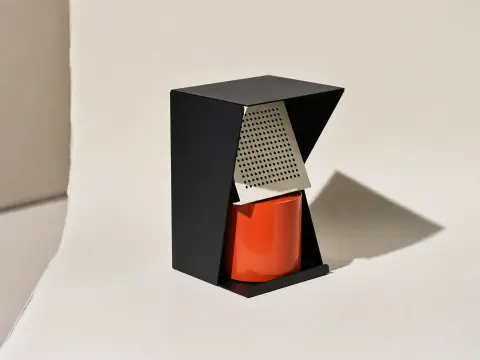
Terracotta cafe brand kit
5 references

Menu shoot references
9 references
Sock Co. Spring 2027is attached. Ask for a prompt and Copilot writes it from the board's brief and files.
Scopeful, in the page where you create
Right-click any image on any page to save it to your library. The side panel opens Copilot inside Krea, Runway, Magnific, Leonardo, and 30+ tools, so you can rewrite in place without leaving the page you’re on.
Private beta. Sign in to connect it
The Scopeful Copilot side panel opens on Midjourney, Kling, Krea, Runway, ComfyUI and 30+ creative AI tools. Describe what you want and Copilot writes a prompt in that tool's own syntax, in the page.
Brains for your agent,
and for Copilot
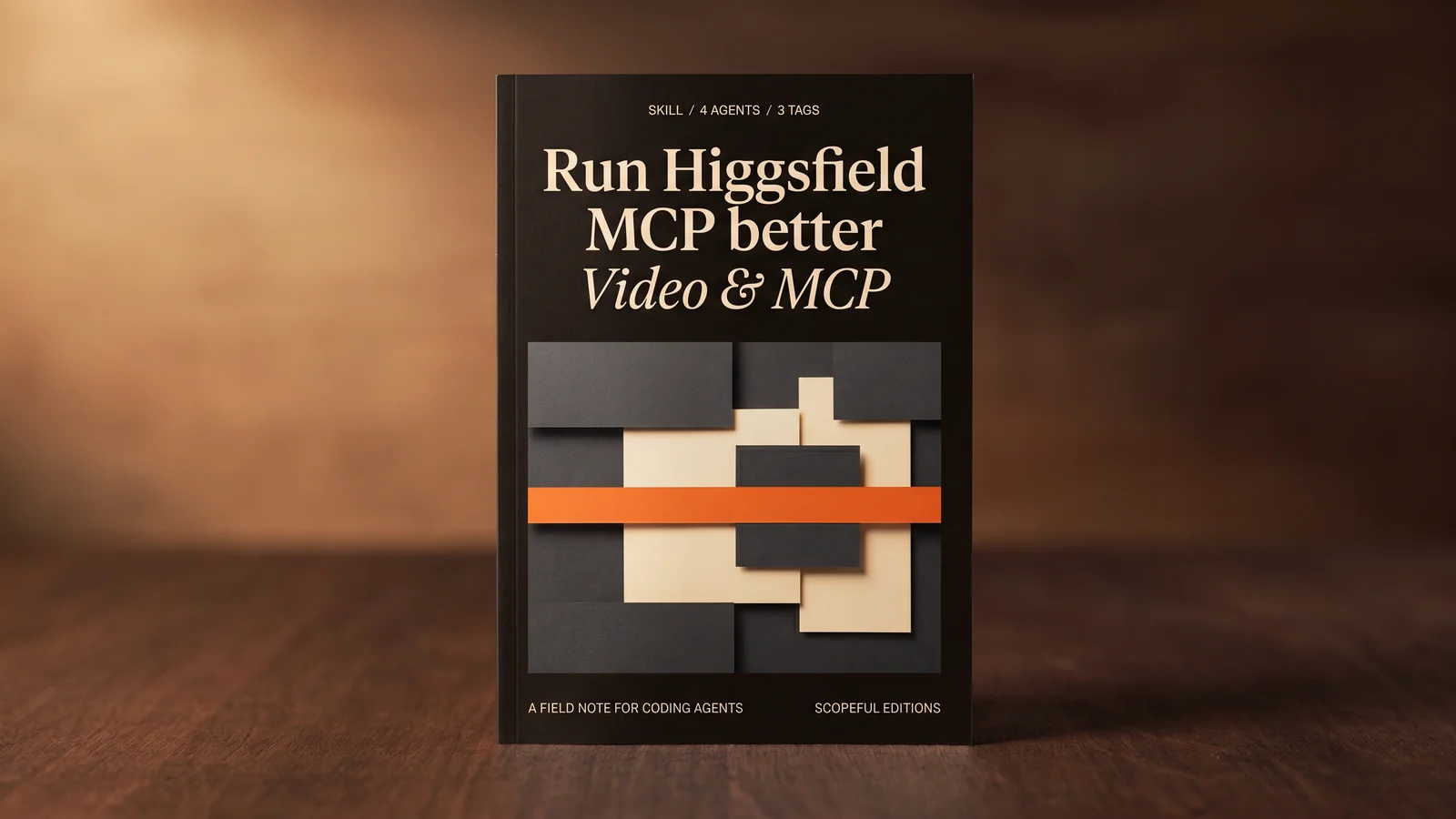
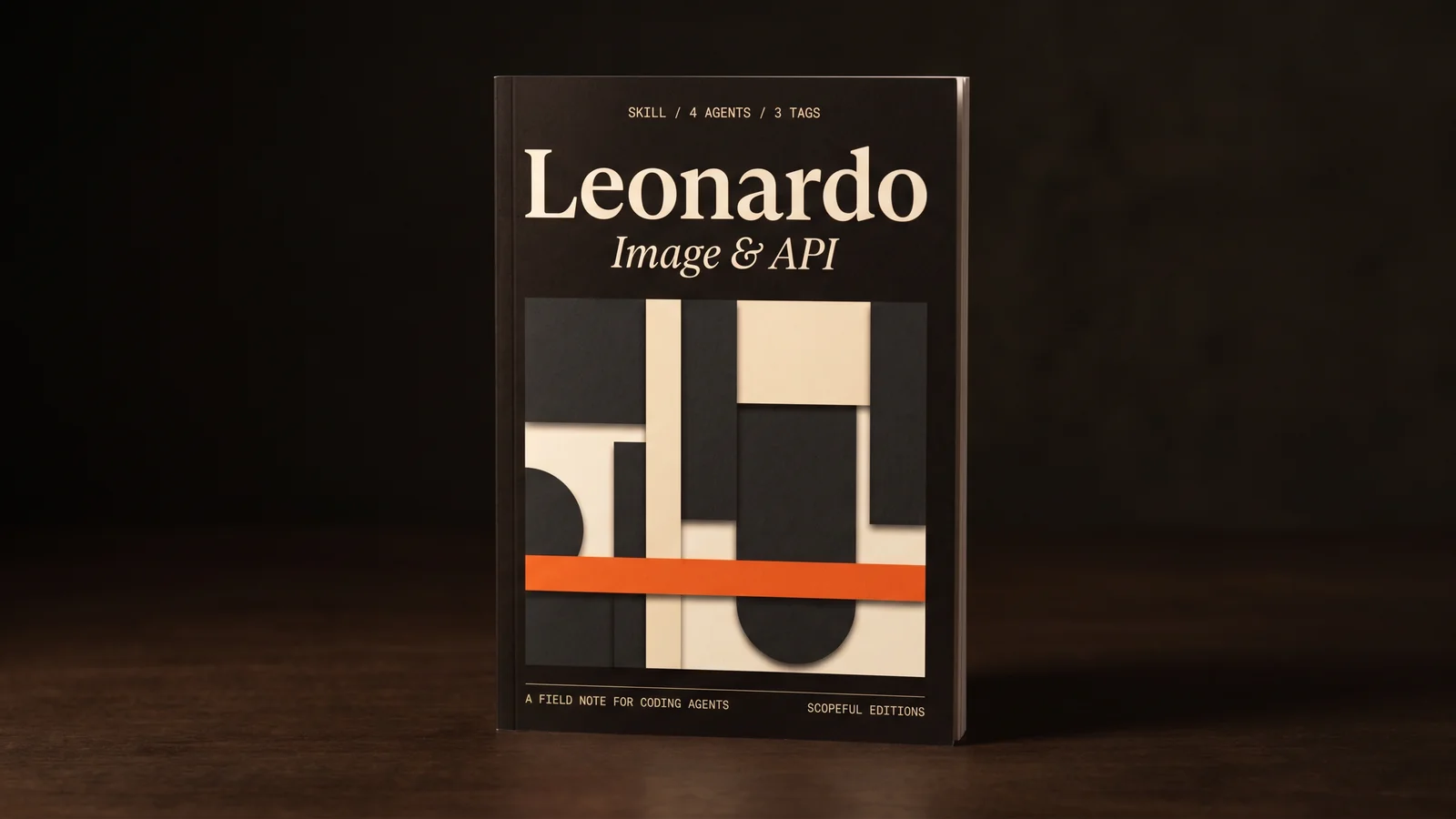
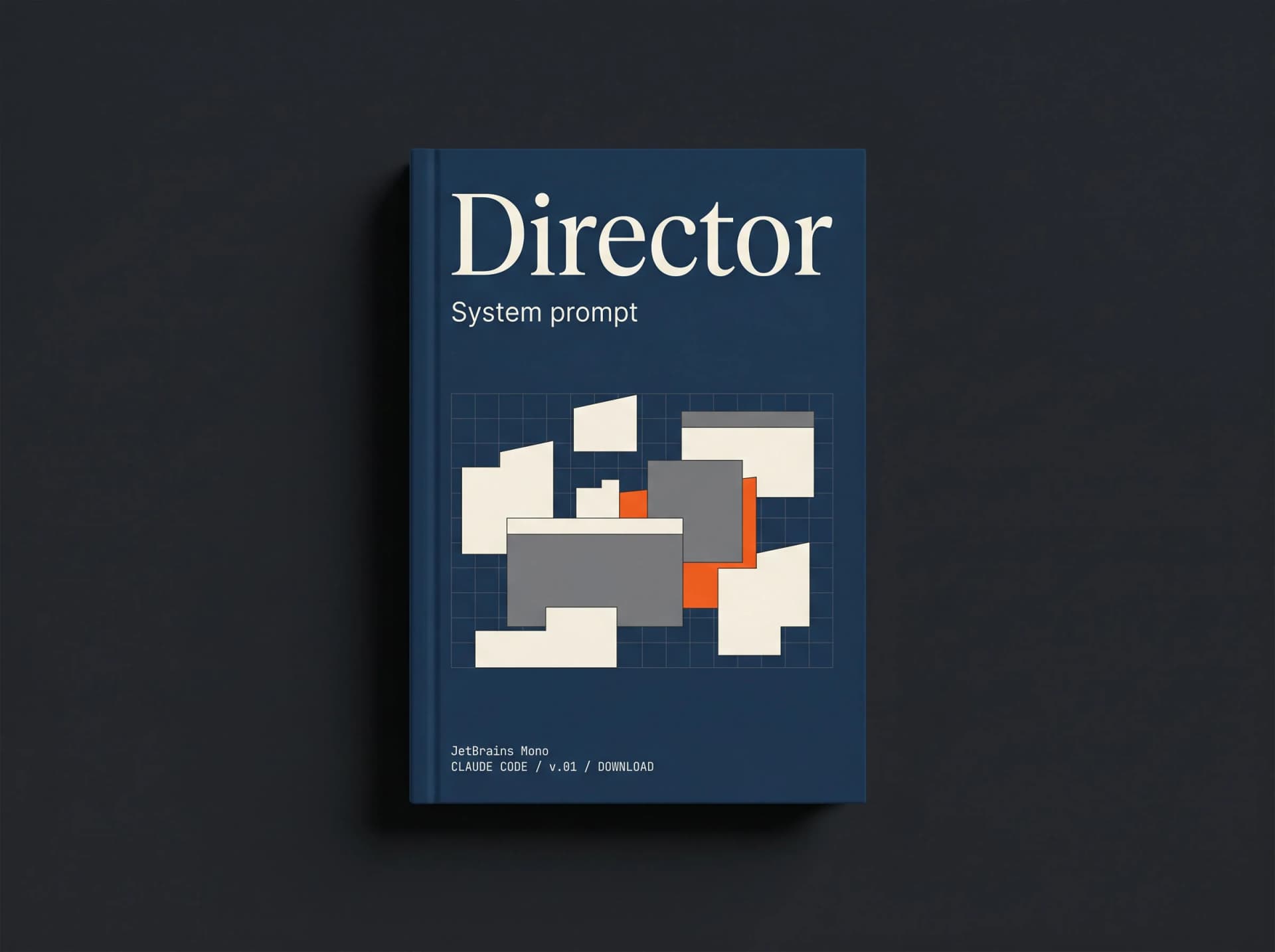
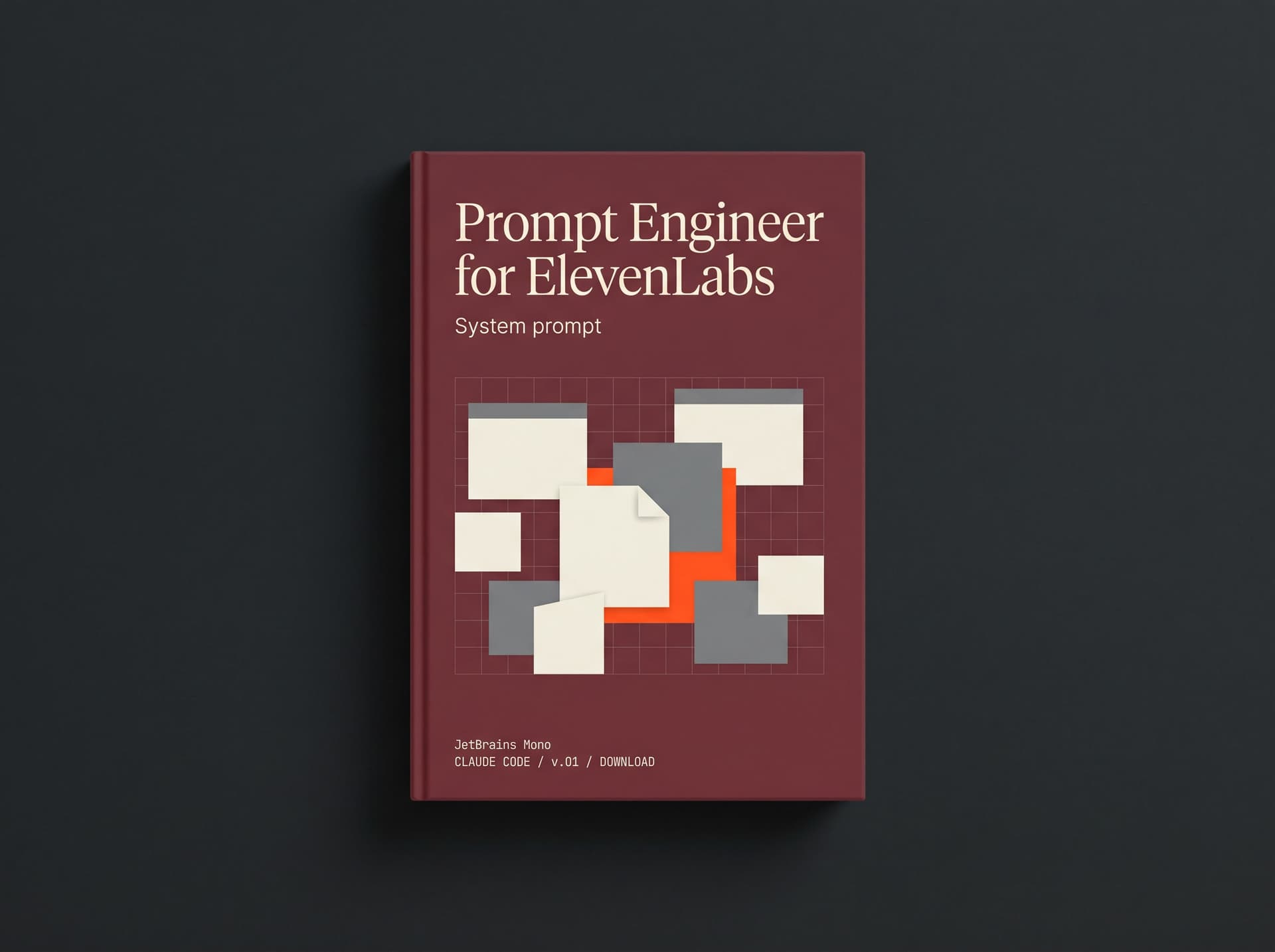
Knowledge packs written as plain markdown. Drop one into Claude Code or Cursor, or attach it to a Scopeful board so Copilot writes with it.
Curated brains for Magnific, ComfyUI, Krea, Runway, and the rest of the tools Scopeful tracks. Each one encodes the tool's API, model pricing, prompt patterns, and gotchas in a single file.
Agents read these files automatically from the project directory. No plugin installs, no extension stores, no config. One file in the right folder, your agent has the brain on every session.
A piped curl command downloads the brain and writes it to the right folder. Run it once and the skill persists across all future sessions. No npm, no homebrew, no setup steps.
From the blog
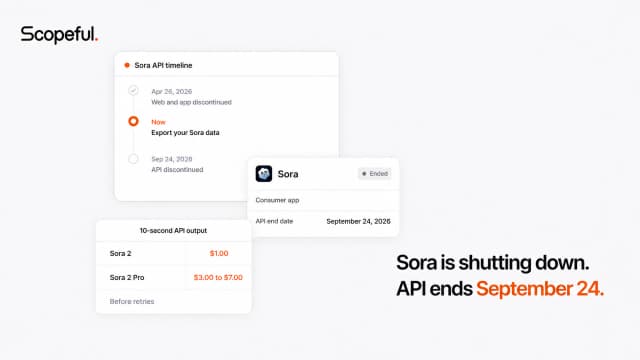
Sora is shutting down: API pricing, shutdown date, and where creators go next
Sora's app is gone and its API ends September 24, 2026. See the final API prices, compare replacement costs, and plan a migration before access disappears.
Higgsfield pricing in 2026: every plan in real dollars, and the catch nobody mentions
Higgsfield lists a starting price of $19 a month. That number is real, but it is also close to useless, because Higgsfield does not sell you videos. It sells you credits, and credits are where the actual cost hides.

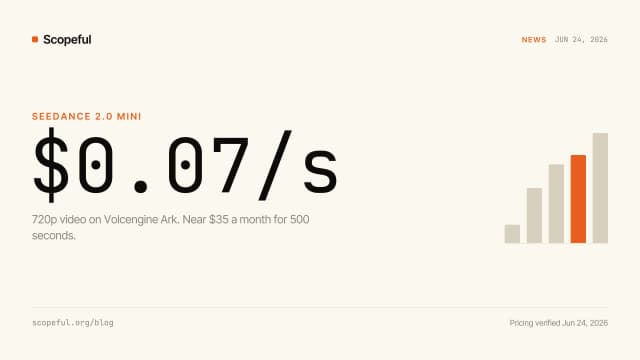
Seedance 2.0 Mini is here. Here's what it actually costs to use it for serious work.
Mini is 2x faster and about 50% cheaper than 2.0 Fast: roughly $0.07 a second at 720p, near $35 a month for 500 seconds. It caps at 720p and faces drift on close-ups, so here is when to use it, when to stay on 2.0 standard, and the seed-reuse trick that cuts iteration cost 6x.
What's new
Project collaboration
Invite someone into a project as an editor or a viewer, share a board with a link you can revoke, and pull anything back out of Trash.
Client reviews
Send a round for review. Comments land on the frame they are about, video notes carry a timestamp, and an approval is stamped with a name and a time.
Projects
A brief, the documents the work depends on, and its references in one place. Copilot reads the open project before it writes a prompt.
Workspace tools for MCP and CLI
Nine tools let an agent read your boards, saved prompts and reference images, and write to them when the key was issued with write permission.
Your next prompt starts from what already worked.
The full Copilot, every board, all your references, on the free plan. No card.